Type less, say more
For messages, notes, and longer writing, press a shortcut and speak instead of switching tools or typing everything by hand.


Long replies, documents, sudden ideas: start by speaking. Press a shortcut, finish your thought, and the text returns to the current app.
SayType also turns recordings and videos into text or draft subtitles. No account required, and processing starts on your device.
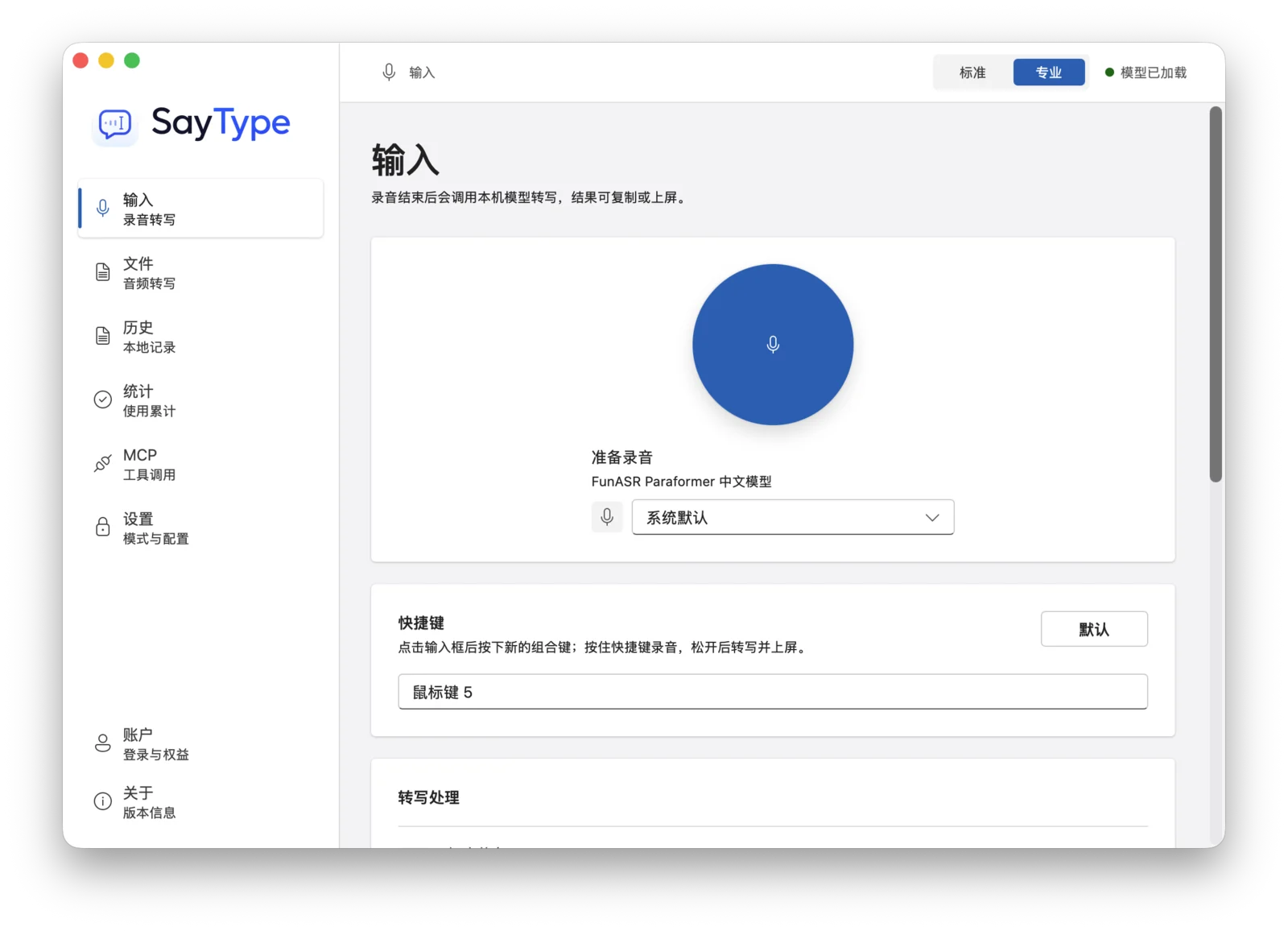
For messages, notes, and longer writing, press a shortcut and speak instead of switching tools or typing everything by hand.
Turn meeting recordings, interviews, and videos into text, with draft subtitles for later review.
SayType aims to preserve what you said. When needed, it can add punctuation and apply your common replacements.
If you want smoother wording, turn cleanup on. If not, SayType simply transcribes.
Open the app and start using it without creating an account first.
Recordings and transcript history are off by default. You can keep them locally when you want, and clear them anytime.
If you choose online recognition or text cleanup, SayType makes that clear in settings before you use it.
Get SayType from the Mac App Store, or download the macOS DMG installer directly.
It turns speech into text and sends it back to the current app. It can also turn recordings and videos into text or draft subtitles.
No. You can open it and start using it. Recordings and transcript history are not saved by default.
No. It starts on your device by default. If you need online capabilities, you can enable them in settings.
You can download the macOS DMG directly from this page. The Mac App Store version will remain as a separate download option once it is live.
* 12ms refers to the interface response time from shortcut trigger to recording-state activation in a test environment. It does not represent full speech transcription time. Tested on an Apple Silicon Mac while idle, using the better result from repeated triggers; actual performance varies by device, system load, audio length, and recognition settings.